
Still images still matter. They are no longer the whole content job. Brands, course builders, and social teams now need motion that can hold a product, a face, or a 20-second explanation — not just a pretty five-second wiggle. AI video tools have matured enough that you can try a small stack this year without hiring a crew. The mistake is treating every generator as the same box.
Below are five tools worth a serious look, each for a different job. Two of them are models. One is a generative suite. One is a fast motion engine. One is a finishing editor. Mix them. Do not rank a desk against a model.
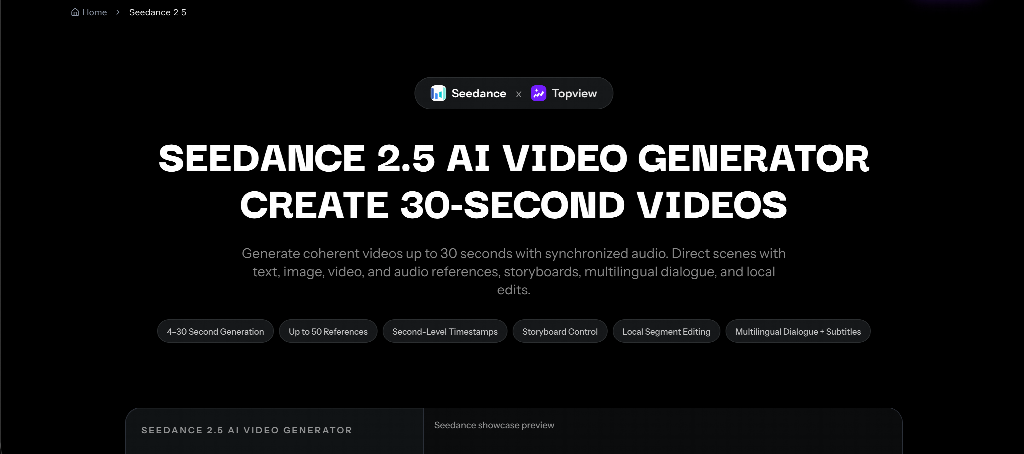
1. Seedance 2.5 — Best for a 15–30 second directed beat
Most “AI video” demos are eight seconds of spectacle. Most content calendars need a beginning, a proof, and a hold for a URL or a title. That is a longer, duller, more useful job.
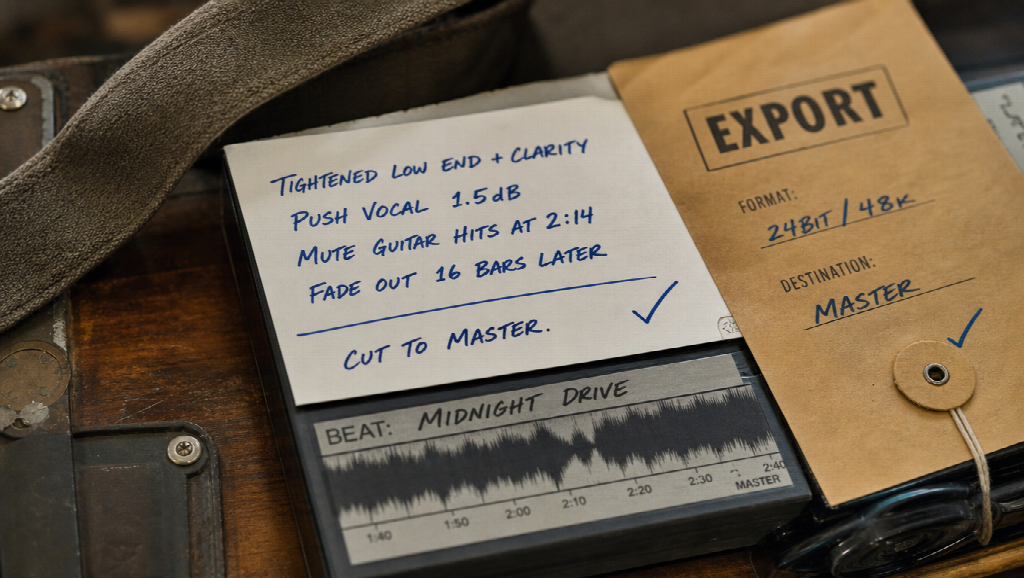
Seedance 2.5 is a multimodal AI video model for coherent clips up to about thirty seconds from text plus image, video, and audio references, with timing and storyboard-friendly direction. You attach the stills you already shot — packshot, talent, room — plus a music bed you own, then write second ranges instead of adjectives.
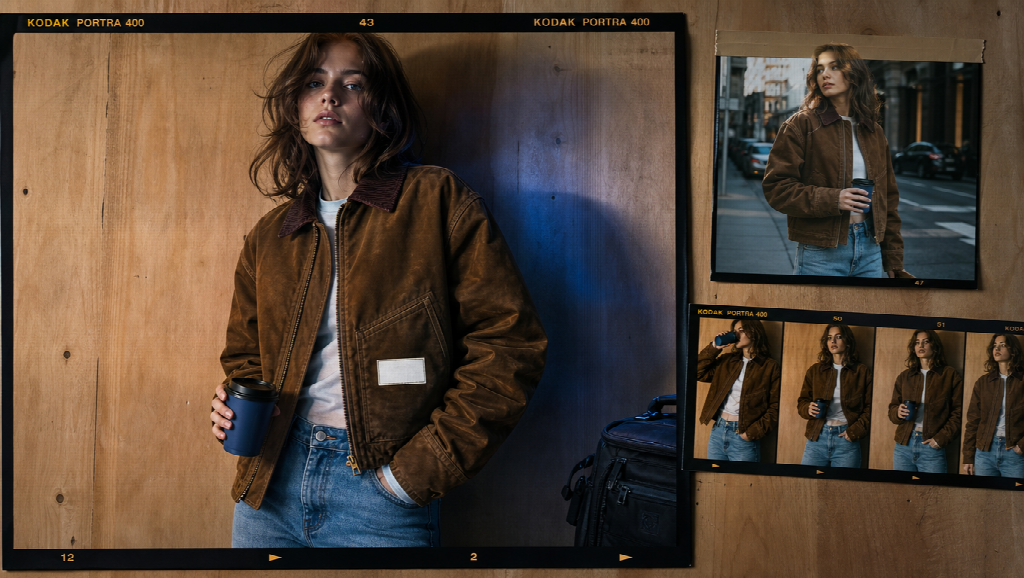
It belongs in the stack when the clip has to stay the same jacket and the same label through a CTA hold. It is not a six-minute movie button, and it is not a caption app. Review identity before “cinematic.” If second eighteen grows a new collar, fix the kit.
For creators who already think in shots (open / demo / hold), this is the model to try first for the expensive middle of the post.
2. Kling — Best for photoreal motion that has to look like a commercial insert
Kling-class models still win a lot of “this has to look expensive in five seconds” work: a city open, hands on a laptop, a slow push that could pass as second-unit B-roll.
Try it when you need atmosphere around the product, not when the product is the story. A photoreal street is not your SKU. A photoreal office is not your UI. Pair a Kling insert with a reference-locked 15–30 second beat if the campaign has to survive a brand review.
The interface bar is lower than a full NLE and higher than a one-tap social filter. If your only prompt is “cinematic,” you will get stock emotion. If you feed a locked look and a short camera instruction, you will get something you can actually cut.
3. MiniMax H3 — Best for short native-sound punches
Discovery still happens in the first frame of a vertical. The file that wins there usually has to sound like a post, not like a mute plate you will Foley later.
MiniMax H3 is a multimodal video model for short audiovisual clips: text plus image, video, and audio references, native stereo output, roughly 5–15 seconds at up to 2K on hosted generators. That is the bumper, the merch flash, the “new episode” sting, the changelog hit in the group chat.
Use the same stills you used on the longer beat so the punch does not invent a cousin. Do not stitch twelve H3 clips and call it a film. Different rooms, different collars. Seedance 2.5 and MiniMax H3 are both models — split them by duration and native AV, not by which homepage has a nicer gradient.
4. Runway — Best if your team already lives on a generative timeline
Runway remains the suite for people who generate a shot and then stay in an editor: iterate, drop on a timeline, try a different take without bouncing through three exporters.
Try it when you are assembling a 30-second piece from several generations plus a real screen recording or a talking-head. It is a poor “one button, one brand film” machine. It is a strong “we already cut here” machine.
If five beautiful six-second clips show three different navbars, you did not finish a product video. You started an edit. That can still be the right tool — just do not pretend a pile of orphans is a directed beat.
5. CapCut — Best for finishing, captions, and shipping the file
Generation is not publishing. Someone still has to add the words you actually wrote, resize for 9:16, duck the music under a line of VO, and export without a watermark surprise.
CapCut (or any editor you already open daily) is the unglamorous fifth tool, and it is the one that makes the other four usable. Auto-captions, templates, and background cleanup live here. Sensitive claims, prices, and kids’ names should be typed by a human, not left to a surprise voiceover.
The 2026 stack that actually ships is: generate the beat, generate the punch, cut both to the master, caption what you meant.
 Building a small video stack (not a fifth subscription spiral)
Match the original image-tool lesson: complementary jobs beat one “does everything” login.
|
Job |
Try first |
|
15–30s product / story beat, same kit |
Seedance 2.5 |
|
Photoreal B-roll insert |
Kling |
|
5–15s punch with sound in the file |
MiniMax H3 |
|
Generate-and-edit in one place |
Runway |
|
Captions, aspect, export |
CapCut |
Start with one post, not a new department. Lock three stills. Write the seconds. Generate once. Cut once. If the object is still the object at the hold, the stack is working. If you only collect logos, it is not.